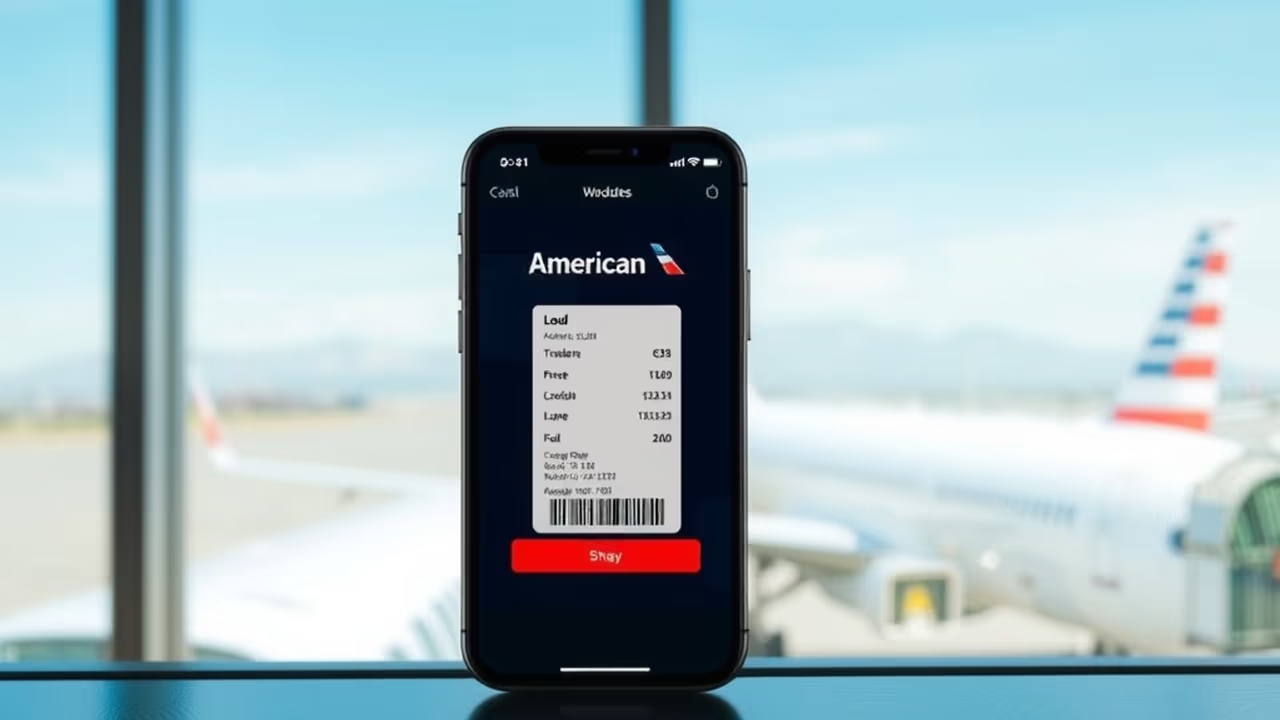
American Airlines now supports the redesigned iOS 26 boarding pass in Apple Wallet, bringing Live Activities, automatic gate updates, and in-airport shortcuts to the largest airline in the world by fleet size.
For American flyers on an iPhone, the practical change is that the boarding pass stops being a static barcode and starts behaving like a live flight tracker that sits on your Lock Screen.
What the Upgrade Actually Does
Four things change once you add an American boarding pass to Wallet on iOS 26.
Live Activities on the Lock Screen and Dynamic Island. The boarding pass surfaces as a persistent widget showing flight number, departure time, gate, and boarding time. You can read all of it without unlocking the phone or opening an app, which is the whole point during a walk through a terminal.
Automatic updates. The pass syncs with the airline's systems and refreshes gate changes, departure time adjustments, and boarding status on its own. This is the fix for the oldest complaint about mobile boarding passes, which is that the gate printed on your screen was the gate at the moment you checked in and nothing since.
In-airport shortcuts. Below the barcode, contextual buttons open Apple Maps with directions to your terminal, or launch Find My if you have tagged a checked bag with an AirTag. The shortcuts change depending on where you are in the travel day.
Shareable flight status. The Live Activity can be sent through iMessage. Whoever is collecting you at baggage claim can watch your actual arrival status instead of texting you about it.
The pass also syncs to Apple Watch, and the barcode itself remains available offline. Only the live updates need a connection, so download the pass while you still have signal.
Where American Sits in the Rollout
American is late to this, and the sequence is worth knowing.
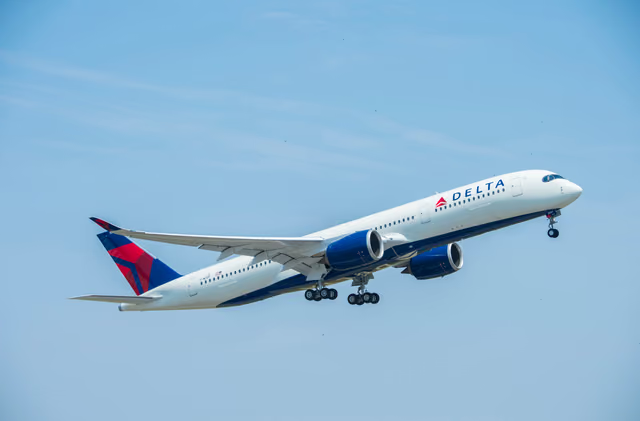
United Airlines was first among U.S. carriers to support the redesigned passes. Air Canada followed. Delta rolled out support in November 2025, also via a server-side change requiring no app update.
Apple named the airlines committing to the format when it announced the feature in June 2025: American Airlines, JetBlue, Southwest, Lufthansa, Qantas, Virgin Australia, and Jetstar. American has now shipped, which leaves several of the others still pending.
For travelers who split flying between carriers, that patchwork is the thing to plan around. The same iPhone gives you a live boarding pass on American, United, and Delta, and a plain barcode on an airline that has not implemented it yet. Our coverage of Delta's rollout walks through the same feature set on that carrier.
Why It Matters Beyond Convenience
Two reasons this is more than a cosmetic update.
The first is documentation. Most premium travel cards carry trip delay and trip interruption coverage, and claims on those benefits turn on proving what happened and when. A boarding pass that timestamps gate changes and delay updates as they occur creates a contemporaneous record. That is materially easier to work with than a screenshot you remembered to take. Our guide to the best cards for travel insurance covers which coverages actually require that documentation.
The second is the failure mode it removes. Missed gate changes are a real cause of missed flights, particularly at hub airports where a gate can move across a terminal. Push notifications from an airline app only help if notifications are enabled and you see them. A Lock Screen widget that updates itself is harder to miss.
What to Do Before Your Next American Flight
Confirm you are running iOS 26 or later. The features are tied to the operating system, not to an app version, so an old iOS means the old boarding pass regardless of what the airline supports.
Check in as early as the window opens, then add the pass to Wallet immediately rather than at the airport. Giving the pass time to sync before you travel is what makes the live updates work from the start of the day.
Turn on notifications for Wallet. Gate changes surface as banners in addition to updating the widget, and the redundancy is useful when the phone is in a focus mode.
If you check bags and already use AirTags, the Find My shortcut appears automatically. If you do not, this is a reasonable moment to consider it, since the integration only helps when the tag is already in the bag.
One caveat: none of this replaces the airline's own app for actual changes. The boarding pass reports status. Rebooking, seat changes, and upgrade requests still happen in the American app or with an agent.
The Bigger Picture
Mobile boarding passes have spent a decade as digital copies of paper ones, with all the same limitations and a battery to worry about. The iOS 26 format is the first meaningful attempt to make the digital version genuinely better than the paper it replaced.
It also lands alongside a broader shift in airport identity technology. TSA PreCheck Touchless ID is rolling out biometric verification at a growing list of airports, and the combination points at a checkpoint experience where the phone and the face do the work the paper used to.
American joining matters mostly because of scale. A feature supported by United, Delta, and American covers a large share of domestic flying, which is the threshold where travelers start expecting it by default rather than noticing it as a novelty. The airlines still pending will feel that pressure.
If you fly American with an iPhone, there is nothing to opt into. Update iOS, check in, add the pass to Wallet, and the upgrade is already there.