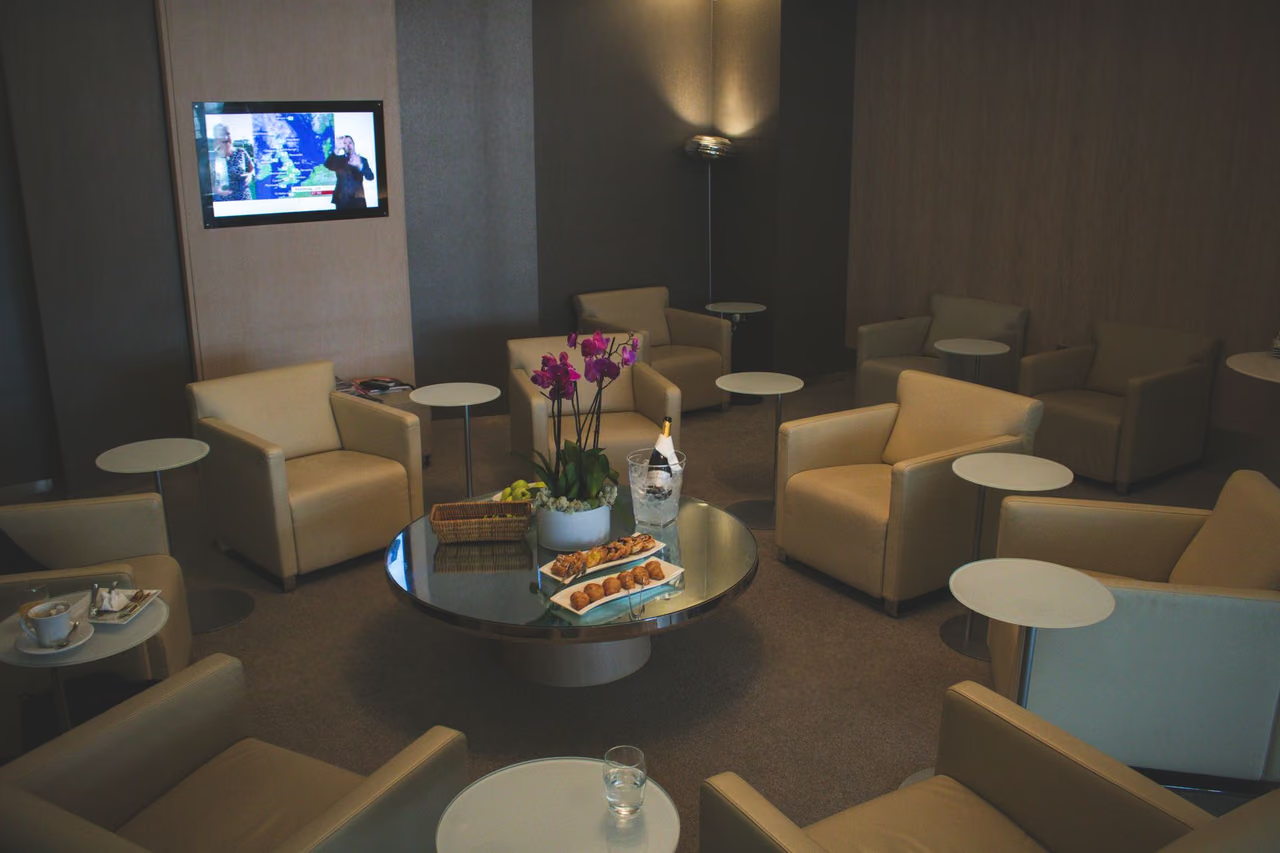
The Centurion Lounge waitlist lets you hold a place in line from your phone instead of standing at the desk. Amex runs it through the Amex app, and you can join when a lounge is at capacity. If you're an eligible Platinum or Delta SkyMiles Reserve cardholder, joining is a short form in the app. The catch is the clock: once Amex says the lounge is ready for you, you have 10 minutes to get back and check in.
Here's who can use the waitlist, how to join, and which access rules still apply. The steps come from Amex's digital waitlist page and the rules from the Centurion Lounge's access policy, both read on October 26, 2026.
Who Can Use the Centurion Lounge Waitlist
Amex says only U.S. Platinum Card and Delta SkyMiles Reserve Card Members can use digital check-in and the waitlist. International Platinum Cards, American Express prepaid cards and cards from other issuers can't join through the app. It works at participating U.S. Centurion Lounges, so check the lounge's page in the app before you count on it.
How to Join the Waitlist
You join on the day of your trip, in the Amex app. Amex lists these steps:
- Open the Membership tab and tap Find Airport Lounges.
- Select the Centurion Lounge you plan to visit.
- Tap Join Waitlist if the button is there (Amex lists it as "if applicable").
- Verify your flight by scanning or uploading your boarding pass.
- Confirm that you meet the Centurion Lounge Access Policy.
- Choose SMS or email and enter your contact details.
- Select your travel party and confirm the party size. Guest fees may apply.
- Review and confirm. Amex then shows a confirmation that you're on the waitlist.
Message and data rates may apply. If you don't have the app yet, Amex says texting FINDALOUNGE to 86509 sends you a download link.
When the Lounge Is Ready
When a spot opens, Amex sends a message to the contact method you chose saying the lounge is ready for you. Tap the link in it to get your eligibility code. Amex's wording is "Return to the lounge within 10 mins for check-in using your eligibility code."
Open the link as soon as the message lands. Staying near the lounge while you wait keeps the 10 minutes from getting tight.
Checking in Without the Waitlist
You can also check in ahead of time without joining a queue. Follow the same steps, then tap Get Eligibility Code instead of Join Waitlist, verify your flight, confirm the access policy and enter your party size. Amex says the code "does not guarantee entry to the lounge, which is subject to capacity constraints and access terms."
Access Rules That Still Apply
The waitlist moves you through the line. When you join, Amex has you confirm you meet the Centurion Lounge Access Policy, so the usual entry rules still apply on the day.
The Centurion Lounge says eligible members can enter within 3 hours of the departure time on a same-day, confirmed boarding pass. Sidecar by The Centurion Lounge at Las Vegas (LAS) uses a 90-minute window. During a layover, you have to arrive within 5 hours of your connecting flight, and the lounge says it can't admit you if you've just landed unless you have a same-day connecting flight.
Guests have to be on the same flight as the Card Member. For the Delta SkyMiles Reserve card, the lounge also requires a same-day Delta-marketed or Delta-operated flight. The guest fees and free-guest rules for the Platinum are in our Centurion Lounge guide.
Before Your Next Departure
If you hold the Platinum or the Delta SkyMiles Reserve, download the Amex app now and look up your home airport's Centurion Lounge so you know whether it offers the waitlist. On the day, open the lounge's page before you reach the door: tap Join Waitlist if it's there, or Get Eligibility Code if it isn't. If you're still deciding whether the Platinum is worth it for lounge access, our Amex Platinum review walks through the fee and the credits.